Live now
senda
Your screen, on their projector, from anywhere.
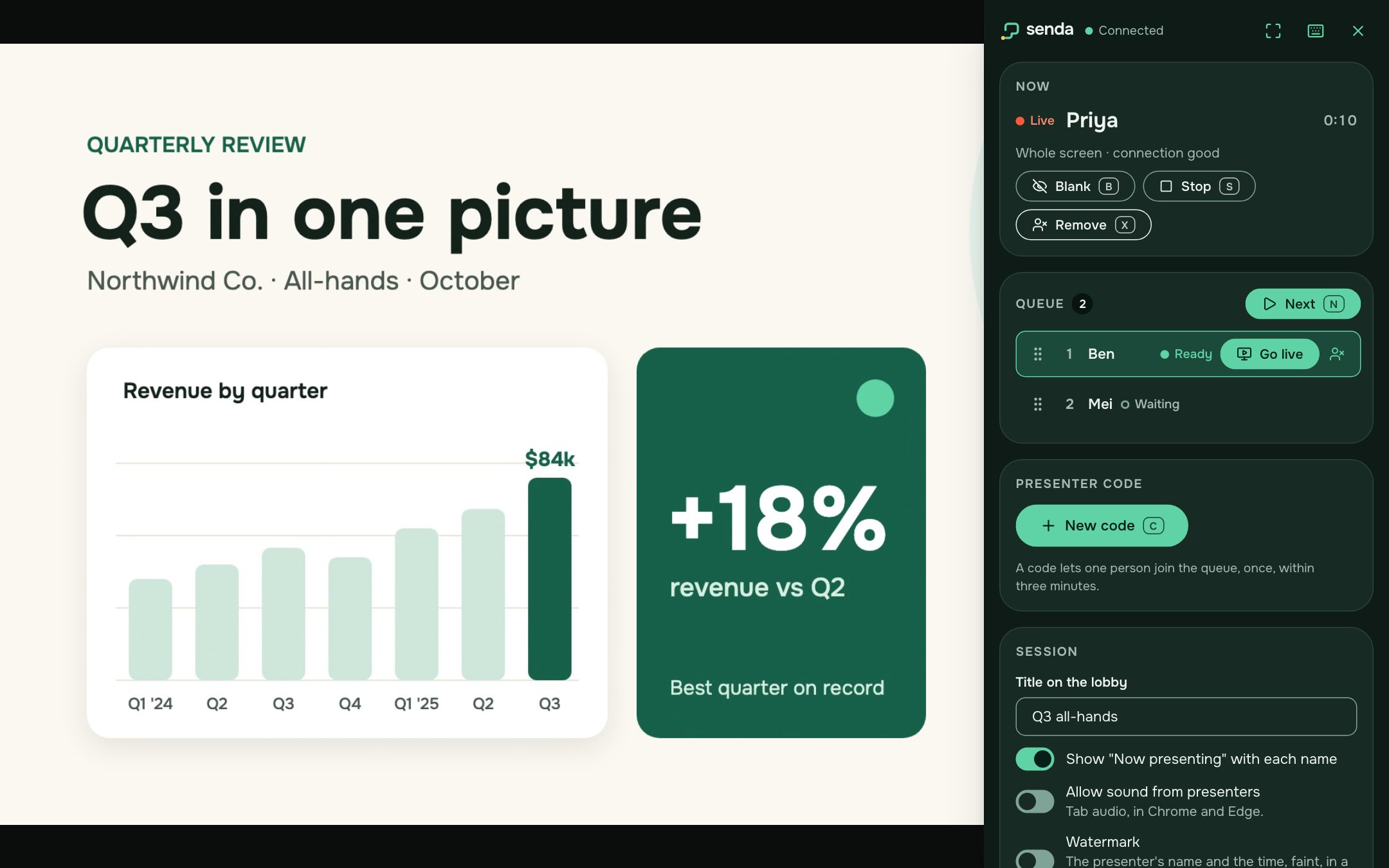
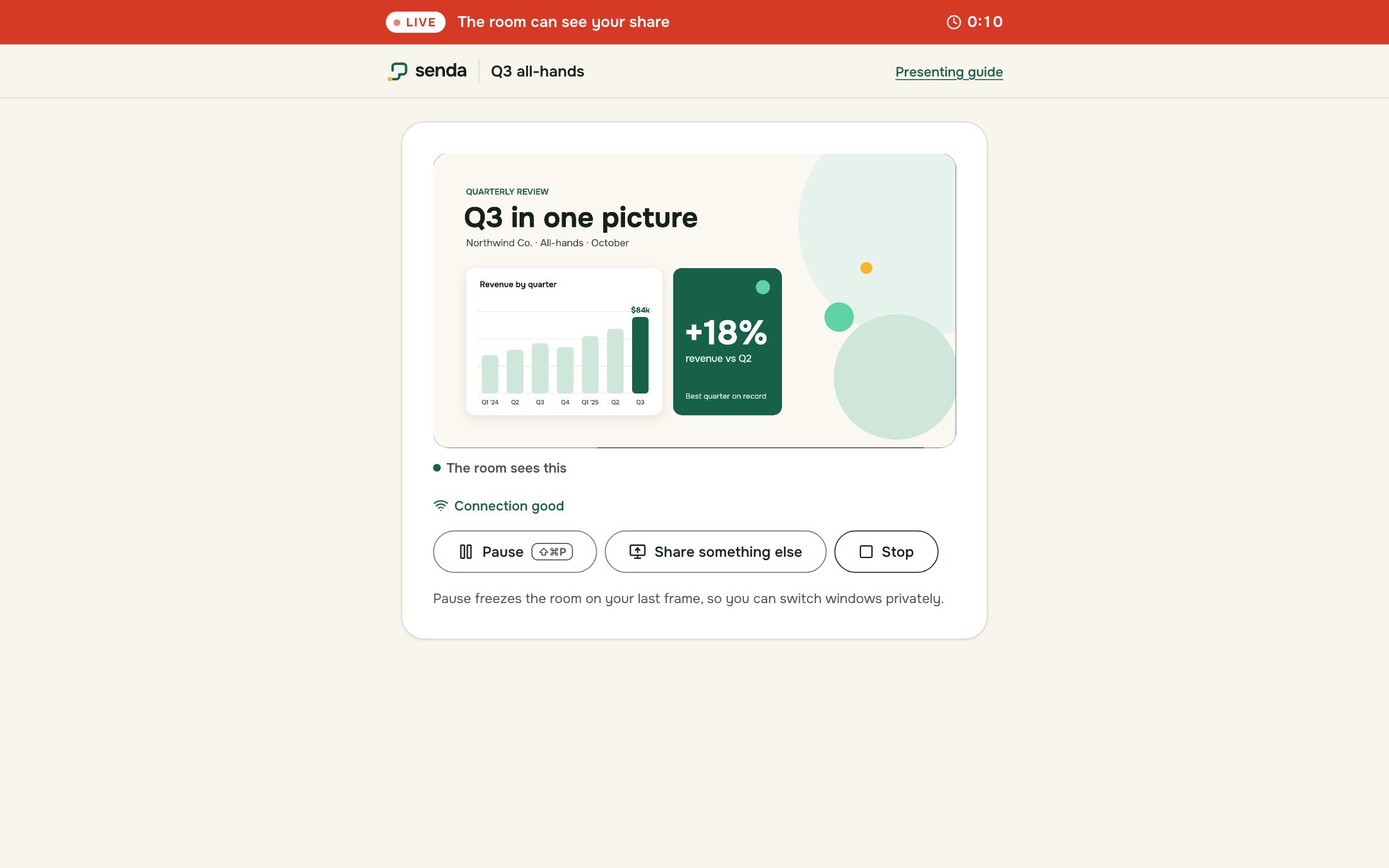
A presenter joins with a one-time code and shares their screen from their own browser. The host decides who is live. Nothing to install, and nothing handed over.
Open senda
senda.zennia.sg
In use
How senda feels
For whoever presents next, from the room or from anywhere.
Behaviours
Calm by design
- Pixels, never files
Only a live picture crosses to the room. PowerPoint, Keynote, a PDF or a live demo all work the same way, and the room keeps none of it.
- The presenter consents to every frame
Sharing starts from the presenter's own click in their browser's picker and stops when they say. A LIVE banner shows whenever the room can see them.
- The host owns the room
One queue, one projector. The host puts presenters live, blanks the screen or moves on, and never reaches into anyone's laptop.
Details
Good to know
- Joining
- A one-time code lets one presenter in, once, within three minutes. Nobody signs in.
- Devices
- Present from a current desktop browser. Any device, an iPad included, can be the room screen.
- Kept for
- Only the queue and the names presenters type, deleted when the room ends, four hours at most (six if the host extends it). No slides or files, ever.
- The name
- Spanish for a narrow path, a way of reaching a goal, and Icelandic for to send. The mark is one line that opens into a screen.
The suite
Its siblings
- svoltraLive nowBetter structures for better conversations. For small groups, from a team retro to a workshop.
- suaraLive nowLet the room hear itself. For the whole room, from a town hall to a panel.
- sebitoLive nowSmall tools. Right on cue. For the moments in between, at talks, workshops, town halls and classrooms.